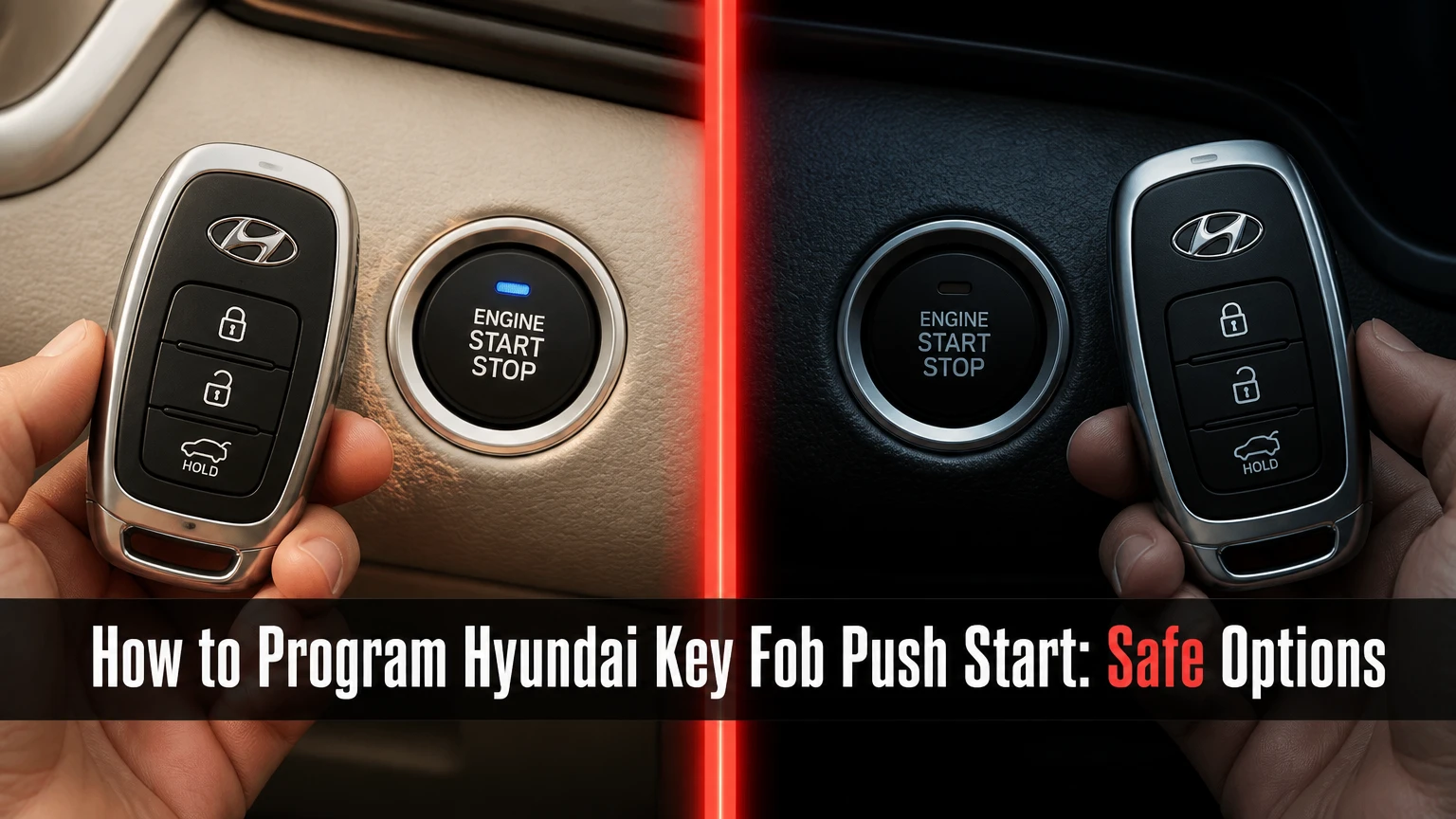
To program a Hyundai key fob push-start system, use a Hyundai-compatible diagnostic programmer through the vehicle’s OBD-II port, or have an authorized dealer or automotive locksmith perform the registration. Most push-start Hyundai models do not support a reliable ignition-cycle pairing trick, and the exact procedure depends on the model year, market, smart-key unit, and replacement fob.
Key Facts at a Glance
- A Hyundai push-start smart key normally requires immobilizer or smart-key-unit registration, not only remote-button synchronization.
- A correct FCC ID does not by itself guarantee compatibility; frequency, part number, board revision, market, and VIN also matter.
- Smart-key learning may erase previously stored keys, so every working fob should be available during the same session.
- Typical US dealer or locksmith pricing is approximately $180-$600, with newer models often costing more.
- A dead CR2032 battery can prevent proximity detection, but replacing the battery does not program an unregistered fob.
- An automotive locksmith is often the practical option for an all-keys-lost situation, provided the technician has current Hyundai coverage.
How to Program Hyundai Key Fob Push Start Models
Hyundai push-start smart-key programming usually follows a diagnostic workflow with vehicle identification, security authorization, key learning, and a final function test. A trained technician commonly needs 15-45 minutes when the correct fob and a working vehicle battery are available; all-keys-lost jobs take longer because vehicle access, ownership checks, cutting, and security authorization may be required.
Before You Start
| Requirement | Typical specification | Why it matters |
|---|---|---|
| Vehicle identification | VIN, model year, trim, market | Hyundai procedures differ by platform and region |
| Diagnostic connection | OBD-II port under driver-side dashboard | The scanner communicates with the immobilizer network |
| Vehicle voltage | About 12.4-12.8 V at rest, stable during programming | Voltage loss can interrupt module communication |
| Replacement fob | VIN-matched OEM or verified aftermarket unit | Similar appearance does not prove electronic compatibility |
| Fob battery | New CR2032 or the specified battery | A weak battery can imitate a programming failure |
| Ownership proof | Registration, title, or other accepted document | Security programming should be restricted to the owner |
| Working keys | Every currently used smart key | Some learning routines delete keys not presented again |
Read the owner’s manual before beginning. Hyundai model manuals identify emergency starting locations, smart-key battery specifications, and warnings that differ between vehicles such as the Sonata, Tucson, Santa Fe, Palisade, Kona, and Ioniq 5.
Step 1: Identify the Exact Fob and Vehicle
Record the VIN, model year, trim, country of sale, existing fob part number, FCC ID, button layout, and operating frequency before buying anything. The FCC ID identifies a radio transmitter authorization, but it is only one compatibility check; a fob can share a casing or FCC family with another Hyundai and still fail immobilizer registration.
Success checkpoint: The replacement supplier confirms compatibility against the VIN or an exact original part number.
Common mistake: Choosing a fob because the shell looks identical. Compare the internal board, connector arrangement, frequency, transponder generation, and emergency blade style.
Step 2: Prepare the Vehicle and Programmer
Park outside or in a well-ventilated space, place the transmission in Park, switch the vehicle fully off, and keep metal objects and unrelated key fobs away from the cabin. Connect a battery maintainer when the vehicle battery is older, below roughly 12.2 V, or showing signs of weakness.
Connect a Hyundai-capable scan tool to the OBD-II port. Generic code readers that only retrieve engine fault codes cannot normally perform smart-key learning. Coverage also changes by model year, so a programmer that supports a 2016 Tucson may not support a 2024 Santa Fe.
Success checkpoint: The tool powers on, communicates with the vehicle, and identifies the VIN without repeated connection errors.
Common mistake: Starting programming with a charger that produces unstable voltage or with the ignition state set incorrectly for the tool’s instructions.
Step 3: Open the Smart-Key Learning Function
Select the manufacturer, model, year, and immobilizer or smart-key system in the diagnostic tool. Depending on the Hyundai platform, the relevant module may be labeled Smart Key Unit, Immobilizer, BCM, IBU, or another body-security controller.
Follow the tool’s on-screen prompts rather than a generic internet sequence. Some systems require a security PIN or server authorization, while others authenticate through a supported diagnostic service. The required credential, menu name, and number of keys vary by vehicle.
Success checkpoint: The programmer displays a vehicle-specific key-learning routine and identifies whether existing keys will be erased.
Common mistake: Treating a generic “Hyundai” menu as universal. Stop if the tool displays a different vehicle, wrong market, or unsupported security system.
Step 4: Register Every Intended Key
Keep all working and replacement fobs inside the vehicle. When the tool requests a key, hold the specified fob against the start button or place it in the vehicle’s emergency recognition location, then follow the exact timing instruction shown on the screen.
The start-button location is not identical across all Hyundai models. Some vehicles recognize the fob when its designated end touches the button; others use a marked tray, console pocket, or backup antenna location. The owner’s manual and scanner prompt control.
Success checkpoint: The tool confirms each fob as learned, registered, or completed before moving to the next key.
Common mistake: Presenting only the new fob when the procedure warns that stored keys will be cleared. A previously working key can become unusable until it is learned again.
Step 5: Exit Learning Mode and Test the System
Complete the scan-tool routine before disconnecting the VCI. Switch the vehicle off, close and reopen the driver’s door if the tool requests that reset, then test lock, unlock, trunk or liftgate release, panic, proximity unlock, brake-pedal starting, and the emergency recognition position.
Test each registered fob separately. Walk several feet away with one fob while testing another, because a second nearby fob can mask a range or detection problem.
Success checkpoint: Every intended key locks and unlocks the vehicle, and each fob starts the engine with the brake pedal pressed.
Common mistake: Testing only the buttons. Remote functions can work while the immobilizer transponder remains unregistered, or the reverse can occur.
Can a Hyundai Push-Start Fob Be Programmed Manually?
A Hyundai push-start fob generally cannot be programmed through a dependable dashboard button sequence. Older Hyundai vehicles with a metal ignition key sometimes support remote-transmitter pairing instructions, but remote pairing and immobilizer registration are different operations; an ignition-cycle trick from an older model may not add a proximity smart key.
The distinction matters because a remote transmitter controls commands such as lock and unlock, while the immobilizer authorizes engine starting. Hyundai owner manuals commonly state, “The vehicle will not start if the smart key is not in the vehicle.” That warning describes recognition, not a universal owner-programming procedure.
A few model-specific exceptions may exist in particular markets or aftermarket systems. Verify the exact owner’s manual and service information for the VIN rather than assuming an online sequence applies.
Why Does Push-Start Programming Need Diagnostic Access?
Hyundai push-start programming needs diagnostic access because the vehicle must store an authorized transponder identity inside a security controller. The smart key exchanges encrypted radio data with low-frequency cabin or door antennas and a higher-frequency transmitter, while the immobilizer or smart-key unit decides whether starting is permitted.
Typical passive-entry systems use approximately 125 kHz for the vehicle’s wake-up field and regional radio frequencies such as 315 MHz or 433 MHz for the fob response, but exact hardware varies. The radio frequency alone does not identify a compatible key.
Hyundai’s security design creates a deliberate boundary between battery replacement, remote-button operation, and key registration. That boundary also means a simple code reader cannot substitute for a supported immobilizer programmer.
Which Replacement Hyundai Fob Fits?
The correct Hyundai replacement fob must match the vehicle’s part number, market frequency, FCC ID where applicable, transponder generation, button configuration, and security system. VIN verification is more reliable than a product listing that claims broad coverage across multiple Hyundai models.
| Compatibility check | Example value | Failure if mismatched |
|---|---|---|
| Radio frequency | 315 MHz or 433 MHz, market-dependent | Buttons may not communicate |
| FCC identifier | TQ8-FOB-4F06 or another exact ID | Transmitter may be unauthorized |
| Transponder family | 8A, 4A, or platform-specific variant | Engine authorization may fail |
| Part number | Exact Hyundai or supplier number | Tool may reject the fob |
| Button layout | 3, 4, 5, or 6 buttons | Missing functions or wrong commands |
| Emergency blade | Vehicle-specific profile | Door access may remain unavailable |
A used fob can be problematic even when the shell and FCC ID match. Some fobs are locked to a previous vehicle, some cannot be reset economically, and some aftermarket units contain an incompatible board.
How Much Does Hyundai Smart-Key Programming Cost?
Typical US pricing ranges from $180-$600 for a replacement smart key, cutting where needed, and programming, although newer vehicles, remote locations, and all-keys-lost cases can exceed $600. The largest cost variables are the fob itself, security access, mobile labor, towing, and whether an emergency blade must be cut.
| Service route | Typical total cost | Typical time | Best fit |
|---|---|---|---|
| Automotive locksmith, one working key | $180-$350 | 20-60 minutes | Replacement near the vehicle |
| Automotive locksmith, all keys lost | $250-$600+ | 45-120 minutes | Mobile recovery and programming |
| Hyundai dealership, one working key | $250-$600 | 1-3 hours | OEM part and factory support |
| Hyundai dealership, all keys lost | $400-$900+ | 2-6 hours | Newer or highly restricted systems |
| Mail-order DIY kit | $100-$300 | 30-90 minutes | Supported older applications |
| Tow plus dealership service | $500-$1,100+ | Same day to several days | Vehicle cannot be driven or accessed |
These are typical planning ranges, not official Hyundai prices. Request an itemized quote that separates the fob, blade cutting, programming, mobile callout, security fee, tax, and towing.
Which Programming Option Is Best?
A dealership is the lowest-risk choice for a new Hyundai, an unusual security system, warranty concerns, or a failed aftermarket attempt. A qualified automotive locksmith is often faster and less expensive for a mobile replacement, especially when one working key remains.
| Option | Equipment and access | Typical price | Main limitation |
|---|---|---|---|
| Hyundai dealership | OEM diagnostic system and factory parts | $250-$900+ | Appointment and towing may be required |
| Automotive locksmith | Mobile key machine and multi-brand programmer | $180-$600+ | Coverage varies by model year |
| DIY rental kit | Paired programmer and app or instructions | $100-$300 | Limited vehicle coverage and higher user error |
| Used online fob | Existing transmitter, separate programming | $30-$150 | May be locked, damaged, or incompatible |
Choose a Dealership When
Use a dealership when the Hyundai is under warranty, has a recent platform, uses digital-key features, or has no working keys and cannot be safely accessed. Ask whether the quoted service includes all intended keys, because some learning routines require every key to be registered in one session.
Choose a Locksmith When
Choose a locksmith when the vehicle is stranded, one key works, or you need an emergency blade cut at the vehicle. Before dispatch, provide the VIN, model year, trim, location, and whether the car has a push button, then ask for proof of programming capability for that exact model.
Consider DIY Only When
A DIY kit makes sense only when the supplier explicitly supports the exact VIN range and provides a recovery policy. Do not use an unverified scanner on an unfamiliar security module when the vehicle is your only transportation.
What Changes When All Keys Are Lost?
All-keys-lost programming requires vehicle access, ownership verification, a compatible replacement fob, and a programmer with current Hyundai security coverage. The technician may need to unlock the car, cut an emergency blade, stabilize the battery, obtain security authorization, and register every new key from an empty memory state.
Do not assume the vehicle can be programmed from a generic online PIN calculator. Security credentials and access methods vary, and attempting unsupported procedures can create a communication failure or require module recovery.
When calling a locksmith or dealer, have the VIN, registration, government identification, exact location, and insurance or roadside-assistance details ready. If the vehicle is in a locked garage, confirm that the provider can gain non-destructive access.
What Can You Do With a Dead Fob Battery?
A dead Hyundai fob battery usually prevents passive entry and may trigger a “key not detected” warning, but many models provide an emergency starting method. Replace the specified coin cell first, observing polarity, then use the owner’s manual’s backup location, which may involve touching the fob to the start button or placing it in a designated holder.
A new battery does not enroll the fob. If the vehicle still does not recognize the key after battery replacement, the problem may be an unregistered fob, damaged transmitter, depleted vehicle battery, antenna fault, or incompatible part.
Avoid pressing the fob buttons repeatedly beside other vehicles during diagnosis. Radio interference and a second nearby smart key can make intermittent detection appear more reliable than it is.
Why Is the New Fob Not Detected?
A new Hyundai fob is most often rejected because of incorrect part compatibility, a weak fob battery, low vehicle voltage, unsupported scan-tool coverage, or an interrupted learning sequence. Check those causes in that order before replacing a body module or ordering another key.
| Symptom | Likely cause | Recommended action |
|---|---|---|
| Buttons do nothing | Dead battery or wrong frequency | Install the specified cell and verify part data |
| Buttons work, engine will not start | Immobilizer not learned | Repeat supported smart-key registration |
| “Key not detected” appears | Battery, antenna, or wrong fob | Use emergency location and test another known key |
| Scanner loses connection | Low voltage or poor OBD connection | Stabilize battery and inspect the connector |
| Old key stopped working | Learning routine erased it | Re-register every intended key |
| All keys fail after programming | Wrong procedure or module fault | Stop cycling attempts and obtain professional diagnosis |
A counterintuitive practitioner rule is that repeated programming attempts rarely fix a compatibility problem. Each attempt can consume security access time, alter stored-key data, or increase the chance of an interrupted session.
Common Mistakes and Recovery
- Buying by appearance: Compare the original part number, FCC ID, frequency, board, and VIN fitment. Return the fob before programming if the data does not match.
- Using a generic OBD reader: Engine-code readers do not provide smart-key learning. Use a supported immobilizer-capable device or a professional.
- Skipping battery support: Connect a suitable maintainer when voltage is uncertain. Do not continue if the scan tool reports unstable module communication.
- Programming one key only: Present every key you intend to keep during the same learning session.
- Confusing remote sync with key learning: Lock and unlock operation does not prove engine authorization.
- Disconnecting early: Wait for the completion message, then follow the tool’s exit sequence before removing the connector.
If a session fails, record the exact error code and stop. Do not disconnect the battery, replace the BCM, or repeat random ignition sequences unless the Hyundai service procedure specifically instructs it.
Is Hyundai Digital Key a Replacement for a Fob?
Hyundai Digital Key is a separate access method that uses a compatible smartphone, vehicle software, account authorization, and, on some models, NFC or ultra-wideband hardware. Digital Key availability depends on model, trim, phone, market, and Hyundai Bluelink or related service support.
Digital Key does not automatically program a missing physical fob. A vehicle can support smartphone access while still requiring a dealer or locksmith to replace and register a smart key. Keep at least one physical key for a dead phone, discharged vehicle battery, account problem, or service interruption.
FAQ
Can I program a second Hyundai smart key if one key still works?
Often, yes, but the vehicle still needs a supported learning procedure and a compatible fob. Keep the working key and replacement key present because some Hyundai systems erase stored keys during registration. A locksmith can usually confirm whether the exact model supports adding a key without clearing the existing one.
Does a Hyundai key fob need to be cut?
A proximity fob can start the vehicle without an inserted blade, but many fobs contain an emergency mechanical blade. Cutting that blade is optional for normal push-button starting and useful for manually unlocking the door when the fob battery or vehicle battery is dead.
How long does a Hyundai key fob last?
A CR2032 battery commonly lasts about 1-3 years, depending on button use, proximity polling, temperature, and storage near the vehicle. The electronic fob can last much longer, but water intrusion, cracked solder joints, damaged buttons, and a worn emergency blade can require replacement sooner.
Can a locksmith program a Hyundai key without the original?
A qualified locksmith can often program a Hyundai smart key with all keys lost, but capability depends on the model year, market, security system, and available authorization. The technician will normally require ownership proof and may need to access the vehicle or cut a mechanical blade first.
Why does the car start but the remote buttons fail?
Starting and remote-button operation use related but separate functions inside the smart key. The fob battery, button circuit, radio transmitter, or vehicle receiver can fail while the immobilizer transponder remains recognized. Test the battery and a second fob before requesting another programming session.
The Bottom Line
The safest answer to how to program Hyundai key fob push start is to use a VIN-compatible immobilizer programmer or a qualified Hyundai locksmith or dealer, not an older ignition-cycle trick. Verify the fob before programming, stabilize the vehicle battery, present every key you want to retain, and choose professional service when the Hyundai is new or all keys are lost.


