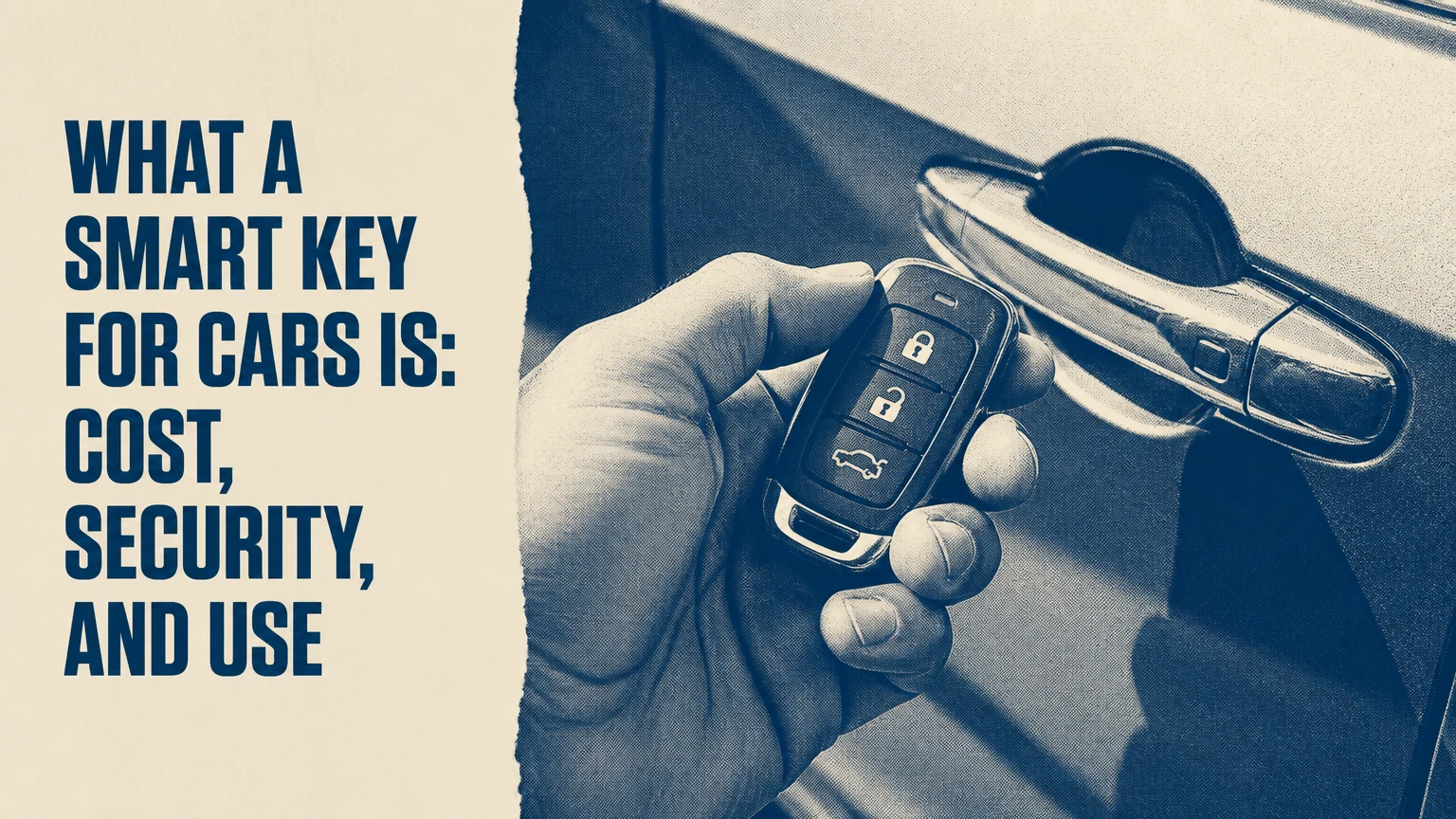
A smart key for cars is an electronic access and authorization system that lets a vehicle unlock, lock, and start when the key fob is nearby, without inserting a metal key. The system combines proximity detection, short-range radio communication, an immobilizer, and encrypted authentication, although exact technology differs by make, model, and year.
Key Facts at a Glance
A smart key normally supports passive entry and push-button starting when the fob is within approximately 1-2 meters of the vehicle.
A smart key fob usually contains a coin-cell battery for remote functions and a separate passive transponder or emergency procedure for backup authentication.
Passive entry range is typically shorter than button-operated remote locking, which commonly reaches about 30-100 meters in open conditions.
A replacement smart key commonly costs about $200-$600 or more, including the fob and programming, with luxury vehicles often exceeding that range.
Smart keys reduce mechanical-key theft methods but remain exposed to relay attacks, lost-key programming, damaged fobs, and dead batteries.
A vehicle owner should keep a programmed spare and follow the specific emergency-start instructions in the owner’s manual.
What a Smart Key for Cars Actually Does
A smart key combines vehicle access with electronic start authorization. The driver can touch a door-handle sensor or approach the vehicle, then press an engine-start button while carrying the fob in a pocket, purse, or bag.
The term covers several related systems. Manufacturers call them Smart Key System, Intelligent Key, Keyless Go, Passive Keyless Entry and Start, or Proximity Key. A remote keyless-entry fob may lock and unlock doors from a distance but may not provide passive entry or push-button starting.
A smart key also differs from an immobilizer. The immobilizer is the anti-start component that prevents the engine or powertrain from operating without an authorized transponder. The smart key is the broader user-facing system that can include passive unlocking, remote buttons, trunk release, personalization, and immobilizer authorization.
Smart keys do not usually transmit continuously. The vehicle sends a low-power request, and the sleeping fob responds only after detecting the correct signal. That design reduces battery consumption and limits unnecessary radio transmissions.
How Smart Key Communication Works
A smart key system authenticates a nearby fob through a vehicle-controlled radio exchange, then authorizes a defined action such as unlocking a door or enabling the start button. The vehicle, not the fob alone, decides whether the request is valid.
The five-stage authentication sequence
- The vehicle detects an interaction.
A capacitive or microswitch sensor in the handle detects a touch, or an interior antenna detects a start request. Some vehicles periodically advertise proximity readiness. - The vehicle sends a low-frequency request.
Antennas commonly use approximately 125 kHz LF signaling to create a short-range detection zone. Antenna placement determines whether the vehicle can distinguish outside, inside, trunk, and cabin locations. - The fob wakes and replies.
The transponder receives the request and responds through a radio channel, often in the 315 MHz or 433 MHz bands depending on market and vehicle design. Other regional frequencies are possible. - The vehicle validates the response.
The body control module or smart-access ECU checks the fob identity and cryptographic response. Modern systems use challenge-response methods, synchronized counters, encrypted messages, or related authentication designs. - The vehicle performs the permitted action.
A valid exterior exchange can unlock doors, while a valid interior exchange can authorize the start button. The vehicle may refuse to start when the fob is outside the cabin.
The phrase “rolling code changes after every use” is a useful simplification, but it is not a universal technical rule. Some systems use rolling counters, some use challenge-response authentication, and some combine multiple cryptographic controls. The security result depends on the complete vehicle architecture, not one code feature.
Why the car can tell inside from outside
Interior and exterior antennas create different detection zones. When the driver presses the start button, the vehicle checks whether the authorized fob is inside the cabin rather than near a window or outside the door.
A damaged antenna, aftermarket radio equipment, a metal parking structure, or another strong radio source can disrupt that location judgment. The fob may work at the door yet fail during starting because the interior antenna or its wiring has a separate fault.
Which Smart-Key Types Exist?
Smart keys range from basic proximity fobs to phone-based credentials and premium display remotes. The correct category depends on whether the system provides passive access, remote commands, digital sharing, or only immobilizer authorization.
| System type | Typical interface | Common functions | Main limitation |
|---|---|---|---|
| Proximity fob | Handle sensor and start button | Passive unlock, lock, trunk release, push-button start | Coin-cell battery and vehicle-specific programming |
| Remote-entry fob | Lock, unlock, panic, trunk buttons | Button-operated access from about 30-100 meters | May not unlock or start passively |
| Display key | Color screen or LCD remote | Vehicle status, remote parking on selected BMW models | Recharge interval commonly 1-2 weeks |
| NFC digital key | Phone tap or card tap | Lock, unlock, and start at close range | Requires compatible phone, vehicle, and battery reserve |
| Bluetooth digital key | Smartphone application | Passive or button-controlled access | App, permissions, and phone operating system matter |
| UWB digital key | Phone or wearable with spatial ranging | Hands-free access and improved distance awareness | Available only on selected vehicles and devices |
| Biometric access | Fingerprint or facial-recognition hardware | Identity-based entry on limited systems | Rare, model-specific, and dependent on sensor performance |
Display keys are not automatically safer or more capable than ordinary proximity fobs. Their advantage is information and extra commands, while their larger battery, charging requirement, and replacement price can make ownership less convenient.
Digital keys can be stored in Apple Wallet, Google Wallet, or a manufacturer application when the vehicle supports the relevant platform. NFC can allow a deliberate tap, Bluetooth can support low-energy proximity communication, and UWB can estimate distance and direction more precisely than signal strength alone.
What Can a Smart Key Control?
A smart key can control functions that the vehicle manufacturer assigns to its credential. Typical functions include passive door unlocking, passive locking, trunk release, panic alarms, remote starting, seat-memory selection, and permission to activate the powertrain.
| Function | Required condition | Typical range or location | Common restriction |
|---|---|---|---|
| Passive door unlock | Valid fob detected outside | About 1-2 meters | Handle touch or approach feature must be enabled |
| Passive lock | Valid fob detected outside | About 1-2 meters | Vehicle may beep if another key is inside |
| Remote lock or unlock | Button press | About 30-100 meters | Buildings and vehicles reduce range |
| Push-button start | Valid fob detected inside | Cabin interior | Brake pedal and transmission position may be required |
| Trunk or liftgate release | Authorized fob plus sensor or button | Rear antenna zone or remote range | Hands-free liftgate may require a foot sensor |
| Remote start | Supported fob and vehicle software | Remote range or connected app | Climate, hood, fuel, and safety conditions can block activation |
| Driver profile recall | Recognized fob or digital profile | Inside cabin | Seat and mirror memory depend on trim level |
A smart key is not a universal remote control. A fob button may exist on the housing even when a particular vehicle does not support that function, and connected-app features may require a subscription, cellular coverage, or an active account.
How Far Can a Smart Key Work?
Passive smart-key access usually works within 1-2 meters, while button-operated remote functions typically work about 30-100 meters in unobstructed conditions. Published range varies by manufacturer, antenna layout, local radio regulations, battery condition, buildings, metal structures, and nearby interference.
Short passive range is intentional. The vehicle should not unlock when the owner walks past several parking spaces away. Remote buttons use higher effective range because they are designed for deliberate commands rather than precise proximity detection.
A sudden reduction from normal remote range is usually more useful diagnostically than a precise distance measurement. Replace the fob battery first, then test with the spare fob. If both fobs fail in the same location, investigate vehicle power, antennas, interference, or the receiver.
How Long Does a Smart-Key Battery Last?
A standard CR2032 or CR2025 battery commonly lasts about 2-4 years, but frequent button use, extended proximity exposure, temperature extremes, and a poor-quality replacement can shorten that period. Display keys usually require recharging every 1-2 weeks, depending on screen use and vehicle communication.
Coin-cell batteries power the fob’s active radio transmitter and buttons. They do not necessarily provide the only path to authorization because many vehicles include a passive transponder reader or emergency-start position.
Use the exact battery number listed in the owner’s manual. CR2032 and CR2025 cells share a diameter but have different thicknesses, so substituting one for the other can cause poor contact or case damage.
Keep the battery faces and contacts clean. A fob that works only when squeezed may have a loose contact, cracked solder joint, water corrosion, or a damaged housing rather than a simple battery problem.
Are Smart Keys Safe From Car Theft?
Smart keys block many old theft methods because an unauthorized person cannot normally start the vehicle with a copied metal blade alone. Smart keys do not eliminate theft risk, because relay equipment can extend communication between a nearby fob and a vehicle.
In a relay attack, one device is placed near the vehicle and another near the key stored inside a home. The equipment relays the vehicle’s request and the fob’s response, making the vehicle interpret the fob as nearby. The attack does not necessarily decrypt the credential.
The UK’s General Insurance Association has repeatedly warned that keyless vehicle theft can exploit signal-relay equipment, while police agencies commonly recommend storing passive-entry fobs away from exterior walls and windows. A Faraday pouch or metal container can reduce radio leakage, but owners should verify that the container actually blocks the vehicle’s relevant frequencies.
UWB can improve distance measurement and make some relay attacks harder, but UWB is not a universal guarantee. A vehicle may use Bluetooth or LF communication for part of the process, and criminals may target other weaknesses such as lost keys, diagnostic ports, software access, or organized key programming.
Practical smart-key security rules
- Store every passive-entry fob at least several meters from exterior doors and windows.
- Test a Faraday pouch by placing the fob inside and checking whether the vehicle still detects it.
- Disable passive entry through the vehicle menu when that option exists.
- Keep the vehicle software and manufacturer application current.
- Use a steering-wheel lock on high-theft models as a second physical barrier.
- Do not leave the spare fob in the vehicle or an unlocked outdoor cabinet.
- Report lost keys promptly and ask a dealer or qualified locksmith to erase them from the vehicle.
Smart Key Versus Traditional Key
Smart keys provide faster access and electronic immobilization, while mechanical keys provide simpler failure recovery and lower replacement cost. Neither system is universally superior because the best choice depends on theft exposure, replacement budget, and tolerance for battery or electronic failure.
| Decision factor | Smart key system | Traditional metal key | Remote-entry fob with ignition key |
|---|---|---|---|
| Passive door access | Usually 1-2 meters | None | Usually none |
| Starting method | Push button with authorized fob | Metal blade in ignition | Blade or transponder ignition |
| Typical replacement cost | $200-$600+ | $10-$50 for a cut key | $75-$250, model dependent |
| Coin-cell dependency | Usually yes | No | Usually yes for remote buttons |
| Immobilizer support | Integrated electronic authorization | None or separate transponder | Often transponder-based |
| Relay-attack exposure | Present on passive systems | Not applicable to radio relay | Lower if passive entry is absent |
| Emergency recovery | Hidden blade and backup reader | Mechanical operation | Spare blade or transponder procedure |
| Programming requirement | Usually required | Cutting only for basic locks | Programming often required |
A traditional key is easier to replace and can remain usable during a dead battery. A smart key is more convenient and generally harder to defeat through simple hot-wiring, but electronic failures can require specialized diagnosis.
The practical rule is straightforward: choose smart-key convenience when daily hands-free access matters, but budget for a spare, battery changes, and layered theft protection.
How Much Does Smart-Key Replacement Cost?
A replacement smart key typically costs $200-$600 or more in the United States, including an OEM or compatible fob and programming. Luxury vehicles, encrypted systems, scarce parts, all-keys-lost situations, towing, and mobile service can raise the total above $1,000.
| Replacement situation | Typical parts cost | Typical labor or programming | Typical total |
|---|---|---|---|
| New coin-cell battery | $2-$8 | $0-$20 | $2-$28 |
| Compatible replacement fob | $50-$200 | $50-$150 | $100-$350 |
| OEM dealership fob | $150-$500 | $75-$200 | $225-$700 |
| Emergency blade cutting | $10-$40 | $20-$80 | $30-$120 |
| All keys lost with mobile locksmith | $100-$400 | $150-$500 | $250-$900 |
| All keys lost with towing and dealer service | $150-$600 | $300-$900 | $450-$1,500+ |
These are typical practitioner ranges, not a universal price list. Vehicle year, region, key frequency, security gateway, and whether one working key remains have greater influence than the word “smart” on the invoice.
A locksmith may offer a lower price than a dealership, but compatibility and licensing matter. Ask whether the supplier is providing an OEM, refurbished, or aftermarket fob, whether the emergency blade is included, whether all old keys can be erased, and whether the work includes a functional test.
Replacing and Programming a Smart Key
Replacing a smart key requires obtaining a compatible credential, cutting an emergency blade if fitted, authenticating ownership, programming the fob, and testing every supported function. The appointment often takes 15-45 minutes when one working key remains and the vehicle is accessible.
What to prepare
Bring the vehicle, registration or title, government identification, the VIN, every existing key, and the owner’s manual. A replacement provider may need all available keys because some vehicles erase unpresented keys during a complete key registration procedure.
Do not assume an internet-purchased fob will program successfully. Frequency, circuit design, immobilizer generation, button layout, and regional software can differ even between visually identical fobs.
The normal replacement sequence
- Identify the exact vehicle.
Record make, model, year, trim, VIN, and whether the vehicle uses a physical ignition cylinder or push-button start. - Confirm credential compatibility.
Match the FCC or regional identifier, part number, frequency, button layout, and immobilizer system. A shell replacement is different from a programmed electronic fob. - Verify ownership and service capability.
A reputable provider should request ownership documents and explain whether dealer security access is required. - Program the fob.
The provider registers the new credential through an approved diagnostic tool or the manufacturer’s authorized process. Many modern vehicles do not support simple owner-only button sequences. - Test the complete system.
Check passive unlock, passive lock, remote buttons, trunk release, emergency blade, start authorization, and any driver-memory function. - Erase missing credentials.
If a key was lost, request deletion of that credential when the vehicle supports it. Adding a new key without removing the lost one leaves the old credential authorized.
What Problems Do Smart Keys Have?
Smart-key problems usually come from a depleted battery, damaged buttons, radio interference, vehicle battery voltage, antenna faults, or an unprogrammed credential. Replacing the coin cell is useful first aid, but it cannot repair a failed fob circuit or vehicle receiver.
| Symptom | Likely cause | First check | Escalation point |
|---|---|---|---|
| Remote range suddenly drops | Weak coin cell | Install specified CR2032 or CR2025 | Test spare fob and inspect contacts |
| Doors do not unlock passively | Disabled feature, weak fob, handle sensor fault | Press remote unlock button | Diagnose handle antenna or body module |
| Car will not start | Fob not detected, low vehicle voltage, wrong location | Hold fob at marked backup point | Scan immobilizer and antenna circuits |
| Fob works intermittently | Water, cracked solder, damaged housing | Open and inspect for corrosion | Replace or repair fob |
| One door fails to respond | Local antenna or latch fault | Try other doors | Diagnose affected door circuit |
| New fob will not program | Wrong part, security gateway, missing authorization | Verify part number and ownership | Use qualified locksmith or dealer |
| Alarm activates after replacement | Key synchronization or body-module issue | Lock and unlock with programmed fob | Perform system scan and relearn |
Can You Start a Car With a Dead Smart-Key Battery?
Most vehicles provide a backup starting method when the smart-key battery is dead, but the exact location differs by model. The owner’s manual may direct the driver to touch the fob to the start button, place it in a marked console slot, hold it near a steering-column reader, or use a designated cupholder.
Press the brake, place the transmission in Park, and follow the vehicle-specific procedure. The passive transponder may still authenticate because it can receive enough energy from the vehicle’s reader without the fob’s coin cell.
A dead vehicle battery is different. If the 12-volt battery cannot power the immobilizer, antennas, or control modules, touching the fob to the start button will not solve the problem. Jump-starting or diagnosing the vehicle battery may be necessary.
What if the smart key is locked inside?
Many vehicles refuse to lock when a recognized fob is detected inside, but this behavior is not universal. A second fob, a connected app, a hidden mechanical blade, roadside assistance, or a locksmith may provide recovery.
Do not repeatedly trigger the handles or force the window seal. That can drain the vehicle battery, damage weatherstripping, or activate the alarm without resolving the lockout.
What a Smart Key Is Not Good For
A smart key is not a substitute for a spare key, a theft-prevention plan, or a fully charged phone. Passive entry is also a poor fit for owners who regularly keep fobs beside exterior doors, work around heavy radio interference, or cannot absorb a several-hundred-dollar replacement bill.
Smart keys also cannot guarantee that an immobilized vehicle is impossible to steal. They protect one authorization path. Physical theft, towing, stolen credentials, compromised applications, and model-specific vulnerabilities remain separate risks.
Aftermarket remote starters and alarm systems can create additional failure points when poorly installed. Before adding one, confirm compatibility with the vehicle’s immobilizer, body control module, warranty terms, and insurance requirements.
Ownership Rules That Prevent Expensive Failures
Keep a programmed spare outside the vehicle and test it twice a year. Confirm that the spare starts the car, because a remote button that locks doors does not prove that immobilizer authorization works.
Replace the coin-cell battery when range declines rather than waiting for total failure. Record the battery type and keep one sealed replacement in a dry place, but do not store a loose coin cell with metal objects.
Protect the fob from water, washing machines, extreme heat, crushing, and strong magnetic or radio environments. A waterproof bag protects against spills, but it does not replace a Faraday pouch for relay-risk storage.
When selling the vehicle, erase unknown keys and remove former users from digital-key accounts. Digital credentials can survive separately from physical fobs, so deleting a physical key alone may not revoke every authorized device.
FAQ
Does every push-button car have a smart key?
No. A push-button vehicle may use a proximity fob, a separate remote fob, a smartphone credential, or a transponder with a manual unlock process. Confirm whether the vehicle unlocks when the fob is nearby, because push-button starting alone does not prove that passive entry exists.
Can a smart key be copied?
A smart key can be duplicated only when the replacement credential is compatible and properly registered to the vehicle. Copying the outer shell or cutting the emergency blade does not copy immobilizer authorization. A qualified locksmith or dealership must verify the vehicle’s programming system and ownership.
Can a smart key drain the car battery?
A fob stored very close to the vehicle can repeatedly wake portions of a passive-entry system on some models, but a healthy vehicle should manage standby consumption. Persistent battery drain can also result from a weak 12-volt battery, aftermarket equipment, or a control-module fault, so testing is necessary.
Does a Faraday box stop relay theft?
A properly functioning Faraday box can block the radio signals used by a passive-entry fob while the fob is inside. Test the box with the actual fob, because inexpensive products may attenuate some frequencies without blocking all of the vehicle’s communication bands.
Is a digital key safer than a physical fob?
A digital key can add device authentication, biometric phone unlocking, sharing controls, NFC fallback, or UWB ranging, but safety depends on implementation and user behavior. A lost unlocked phone, shared account, outdated application, or vehicle-side vulnerability can create risks that a physical fob does not.
Should I buy an OEM or aftermarket smart key?
Buy OEM when compatibility uncertainty, warranty support, or a high-value vehicle outweighs price. A reputable aftermarket fob can reduce cost for common models, but confirm the exact part number, frequency, immobilizer generation, programming support, and return policy before purchase.
The Bottom Line
A smart key for cars is a proximity-based electronic credential that controls vehicle access and authorizes starting without inserting a conventional metal key. Smart keys deliver the greatest convenience through passive entry and push-button start, while their main trade-offs are replacement cost, battery dependence, programming requirements, and relay-theft exposure.
Keep the fob away from exterior doors, maintain a working spare, learn the model-specific dead-battery procedure, and erase lost credentials promptly. Those four practices preserve the convenience of a smart key without treating electronic access as theft-proof or failure-proof.


