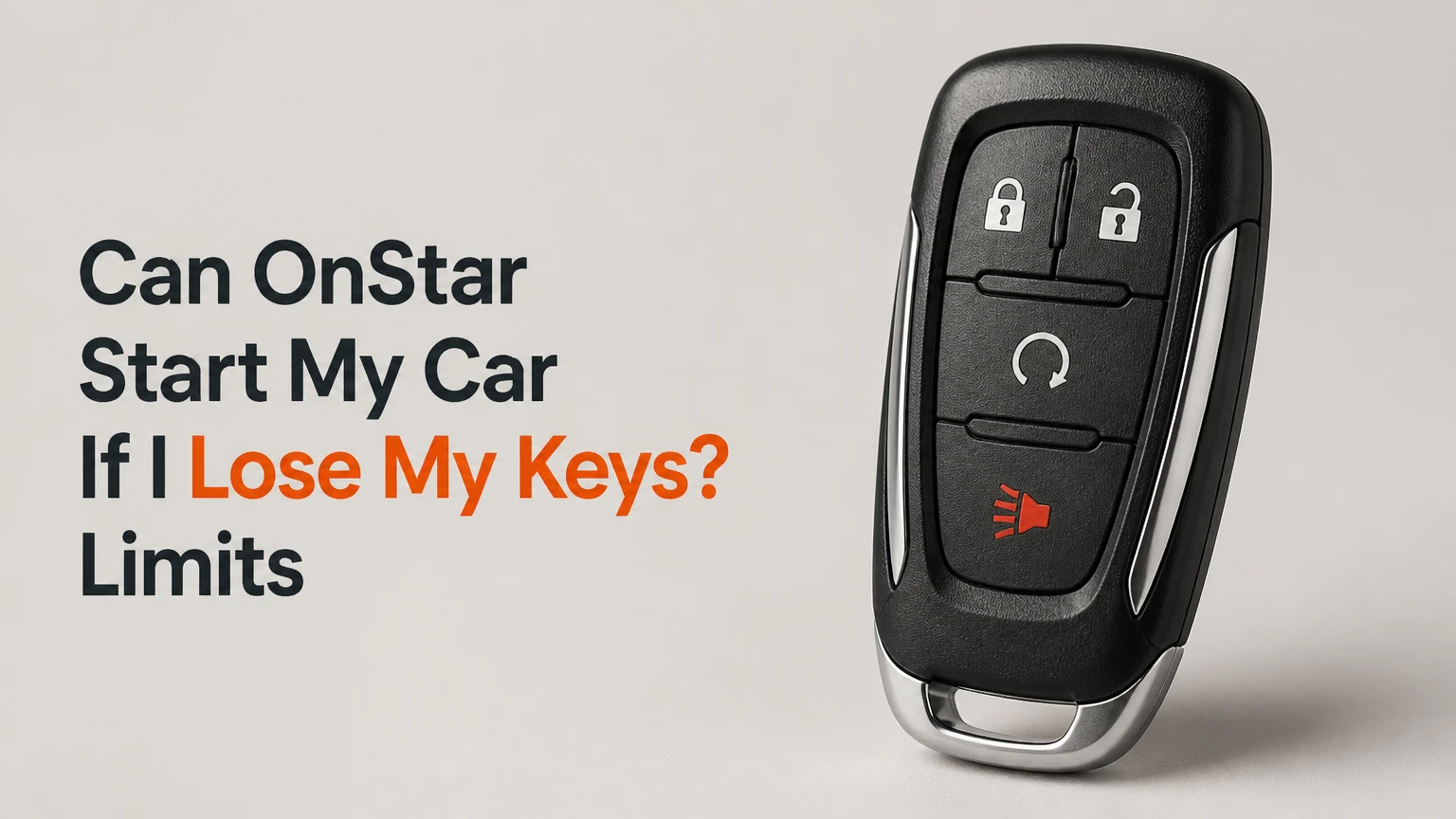
Yes, OnStar can remotely unlock and start an eligible Chevrolet, GMC, Buick, or Cadillac vehicle if the vehicle has the required hardware, an active remote-access service, cellular connectivity, and a verified account. OnStar cannot replace the physical key or key fob: the vehicle generally will not allow normal driving until it detects the authorized key.
Key Facts at a Glance
OnStar remote start is available only on equipped and connected GM vehicles.
OnStar can unlock the doors, but unlocking does not authorize the vehicle to drive.
A physical key or recognized key fob is normally required to shift out of Park.
Remote-start runtime and repeat-cycle limits vary by vehicle and owner’s manual.
App commands can fail because of subscription status, cellular coverage, vehicle power, or safety conditions.
A locksmith or GM dealer is required when you need a replacement key programmed for driving.
Can OnStar Start My Car If I Lose My Keys?
OnStar can start and unlock many eligible GM vehicles remotely, but the feature is a temporary access solution rather than a replacement ignition key. The vehicle’s immobilizer and transmission controls remain active, so the engine may run while the car stays stationary.
The normal sequence is remote unlock, remote start, cabin entry, and replacement-key service. Remote start can warm or cool the interior, operate the climate system, and give you access to belongings. It cannot generally let you drive home without the recognized key.
A remote-started engine is also not proof that the vehicle is ready to move. GM vehicles use separate systems for telematics commands, ignition authorization, gear selection, and theft deterrence. OnStar can send the first command, but the key-recognition system controls the final driving authorization.
What happens when you press the brake?
On many push-button GM vehicles, pressing the brake without a detected key prevents the vehicle from entering the normal drive-ready state or causes the remotely started engine to shut down. On keyed vehicles, the mechanical key and transponder still control ignition authorization.
The exact behavior depends on the model, year, powertrain, and owner’s manual. Treat the car as immobile until you obtain a properly cut and programmed key.
Which GM vehicles qualify for remote start?
Eligible Chevrolet, GMC, Buick, and Cadillac vehicles need factory-installed connected-vehicle hardware, a supported mobile application, and a service plan or trial that includes remote commands. Brand and model alone do not prove eligibility because equipment and connected services change by model year, trim, market, and service contract.
The practical test is whether the owner’s official app displays active Lock, Unlock, and Start controls for the vehicle. The vehicle’s infotainment menu, original equipment list, VIN lookup, and OnStar account page provide additional confirmation.
| Eligibility factor | What to verify | Typical result if missing |
|---|---|---|
| GM brand | Chevrolet, GMC, Buick, or Cadillac VIN | Unsupported vehicle cannot receive OnStar commands |
| Connected hardware | Factory telematics module and active communication | App may show limited vehicle information |
| Remote-start equipment | Factory remote-start capability for that trim | Unlock may exist without remote start |
| Service status | Active Remote Access inclusion or trial | Command is blocked or subscription prompt appears |
| Account ownership | VIN assigned to the authenticated GM account | Security verification fails |
| Cellular connection | Vehicle has coverage and battery power | Command remains pending or fails |
A vehicle built before a connected-service rollout may lack the required hardware even if it has a physical OnStar button. Conversely, a newer vehicle may support remote commands only while a qualifying trial or paid plan remains active.
How does OnStar remote start work?
OnStar remote start uses a cellular telematics module in the vehicle, an authenticated GM account, and a server-mediated command. The mobile app sends the request to GM’s connected-services platform, which checks the account and vehicle status before transmitting the instruction over the cellular network.
The car’s control modules then evaluate conditions such as hood status, vehicle security state, transmission position, battery condition, and fuel level. If the request passes those checks, the engine starts according to the vehicle’s remote-start programming.
Remote start therefore has several independent failure points:
- The phone must reach the GM application.
- The account must be authenticated.
- The service must include the requested command.
- GM’s platform must reach the vehicle.
- The vehicle must accept the safety conditions.
- The engine and climate controls must respond.
A command taking 30-60 seconds is common in ordinary coverage, but underground garages, metal structures, remote roads, and cellular congestion can create longer delays. Repeatedly pressing the command does not improve a weak vehicle signal and can make the status harder to interpret.
How do I unlock and start the vehicle with the app?
Use the official brand application associated with the vehicle, such as myChevrolet, myGMC, myBuick, or myCadillac. The exact button names and PIN prompts vary by application version, but the workflow normally takes less than five minutes when the account and vehicle are already configured.
- Open the vehicle’s official GM brand app.
- Sign in to the GM account linked to the vehicle.
- Confirm that the displayed vehicle identification and location are correct.
- Select Unlock and wait for the confirmation message.
- Select Remote Start, usually by pressing and holding the control.
- Enter the account security PIN if the application requests it.
- Wait for the app to report whether the command succeeded.
- Enter the vehicle and leave the engine stationary.
- Arrange a replacement key before attempting to drive.
The success checkpoint is an app confirmation plus the expected vehicle response, such as unlocked doors, running engine, or activated climate control. A spinning icon without a final status is not confirmation that the car started.
Remote start usually has a limited runtime, commonly about 10-15 minutes per cycle on GM vehicles. Many vehicles permit a second consecutive cycle, but the owner’s manual controls the actual limit. A physical ignition cycle or recognized key may be required before another remote start is accepted.
Can an OnStar advisor perform the command?
An OnStar advisor may be able to assist with account verification, vehicle location, roadside support, and available remote commands, but advisor capabilities depend on the vehicle, service plan, region, and system status. The official app is usually faster when it already shows active controls.
Use the advisor button in the vehicle, the official OnStar contact method shown in your account, or the current number listed on OnStar’s official website. Avoid numbers copied from unofficial search results because remote commands involve vehicle-access information.
An advisor will normally need to verify account ownership or security details. An advisor cannot bypass the immobilizer, create a new transponder key, or authorize a drive without the recognized key.
Does remote start require an OnStar subscription?
Remote start requires an active connected-service entitlement that includes remote commands, unless the vehicle is within a qualifying trial or promotional period. GM has changed plan names, prices, inclusions, and trial terms over time, so no single monthly price applies to every vehicle.
Check the subscription page inside the official GM app and compare it with the vehicle’s connected-services documentation. A plan can include diagnostics or automatic crash response without including app-based remote start.
| Service status | Remote lock/unlock | Remote start | Recommended action |
|---|---|---|---|
| Eligible trial active | Available if listed | Available if listed | Use the app and confirm trial end date |
| Remote Access active | Usually included | Usually included on equipped vehicles | Send the command through the app |
| Safety-only service | Plan-dependent | Often unavailable | Check upgrade options or call OnStar |
| Subscription expired | Usually unavailable | Usually unavailable | Review current GM plan terms |
| Unsupported vehicle | Unavailable | Unavailable | Use a locksmith or dealer |
| App shows controls but command fails | Account appears active | Vehicle-side failure possible | Diagnose power, signal, and safety conditions |
Prices advertised online may be outdated, region-specific, or tied to a particular model year. The price displayed in the authenticated GM account is more reliable than a dealership blog or an old forum post.
Why can’t OnStar replace a lost key?
OnStar cannot replace a lost key because remote telematics and theft-deterrent authorization are separate functions. The telematics module can accept a secure command to operate locks or request a remote engine start, while the immobilizer still checks a coded transponder, key fob, or approved digital key.
This separation prevents a stolen account password or compromised phone from becoming a permanent driving credential. It also explains the apparently contradictory result: the engine can run, yet the transmission cannot be placed into a normal driving state.
A spare key hidden under the vehicle is a poor backup. Thieves know common hiding locations, and an exposed mechanical key can provide access even when the vehicle’s alarm remains active. Store a spare with a trusted person, in a secure home location, or in a professionally managed key-storage arrangement.
Does remote start unlock the steering wheel?
Remote start does not generally defeat a locked steering column or authorize the steering and transmission systems for driving. A mechanical ignition key, coded fob, or approved digital key remains necessary according to the vehicle design.
Keyed and push-button vehicles behave differently, but neither should be assumed driveable after an OnStar start. Consult the owner’s manual for the exact “remote start” and “keyless start” instructions.
What should I do if the key is locked inside?
If the key is locked inside the vehicle, OnStar remote unlock can provide access without creating a replacement key. Once inside, retrieve the key and use it normally. Remote start is unnecessary unless you also need climate control.
If the key is locked in the trunk, unlocking the doors may not release the trunk on every model. Use the interior trunk release after entering, or request roadside assistance if the vehicle’s design prevents access.
Do not break a window or use a rigid improvised tool when OnStar or roadside assistance is available. Bent door frames, damaged weather seals, side-airbag wiring, and alarm activation can cost more than professional entry.
Can I drive after OnStar starts the engine?
You generally cannot drive a GM vehicle after OnStar starts the engine if the recognized key is lost. The vehicle may remain in Park, refuse to become drive-ready, or stop the remote-start cycle when the brake or gear selector is used without key authorization.
| Vehicle access state | Engine response | Can the vehicle be driven? | Correct next step |
|---|---|---|---|
| Doors locked, key missing | Engine off | No | Use remote unlock if available |
| Doors unlocked, engine off | Vehicle accessible | No | Obtain a key or call for service |
| Remote engine running, key absent | Engine idling temporarily | Normally no | Do not press the brake repeatedly |
| Replacement key cut, not programmed | Engine may crank or remain blocked | No | Have transponder programmed |
| Recognized key present | Normal ignition authorization | Yes, if no other fault exists | Drive after safety checks |
| Mechanical key only on fob system | Door access may work | Usually no | Obtain the matched electronic fob |
A common misconception is that shifting quickly before the system detects the missing fob will create a usable workaround. That behavior is unsafe, unreliable, and intentionally blocked by vehicle security systems.
How long will an OnStar remote start run?
A remote-start cycle commonly runs for about 10-15 minutes, with some GM vehicles permitting two consecutive cycles for approximately 20-30 minutes total. The exact duration depends on the owner’s manual, model year, engine, climate settings, and regional configuration.
Remote start may be refused when the hood is open, the vehicle is not in Park, the hazard conditions are active, a fault is stored, or the vehicle’s battery state is too low. Fuel safeguards also vary. GM does not publish one universal fuel-percentage threshold for every model.
Never leave a remotely started vehicle running in an enclosed garage. Carbon monoxide can accumulate even when the garage door is open, and the vehicle can move if a separate mechanical or security fault exists.
What if remote start fails?
Remote-start failure usually comes from account status, vehicle connectivity, vehicle power, or a model-specific safety condition. Check those categories in that order rather than repeatedly sending the same command.
- Confirm the vehicle and account. Verify the correct VIN, current sign-in, active plan, and security PIN.
- Check the app status. Update the app, force-close it once, and sign in again if the command remains pending.
- Move away from signal obstruction. A concrete garage or metal parking structure can prevent communication.
- Check the vehicle condition. The hood should be closed, the transmission should be in Park, and warning lights should be investigated.
- Consider the 12-volt battery. A weak battery can power locks intermittently while rejecting engine-start commands.
- Wait for the result. Allow up to several minutes before trying once more.
- Call official support or roadside assistance. Provide the VIN, location, and exact error message.
GM owner manuals, rather than generic websites, determine the applicable fuel, temperature, battery, and repeat-start rules. The frequently quoted 11.5-volt battery threshold and 10 percent fuel threshold are not universal GM specifications.
Does deep sleep prevent an OnStar command?
A vehicle that has been parked for an extended period may enter a low-power state, and a discharged 12-volt battery can stop the telematics module from responding. There is no reliable universal “five-to-seven-day” OnStar cutoff for every GM model.
If the app reports an old vehicle status, the vehicle location is stale, or several commands fail after long storage, arrange a battery test and local assistance. Do not assume that replacing the phone or reinstalling the app will restore a vehicle with no electrical power.
Which replacement option is fastest?
A mobile automotive locksmith is often the fastest option when every key is lost because the locksmith can travel to the vehicle, cut a key, and program a replacement fob for many GM models. A GM dealer is the better choice when the vehicle requires proprietary programming, the VIN record needs correction, or the locksmith lacks the required equipment.
| Option | Typical response or completion | Typical cost range | Driving outcome |
|---|---|---|---|
| OnStar unlock and remote start | 1-5 minutes when connected | $0 if already included, otherwise plan price | Access only, no replacement key |
| Mobile automotive locksmith | 30 minutes to several hours | $150-$400 typical emergency range | Replacement key may enable driving |
| GM dealership key service | Same day to several days | $200-$600 or more, model-dependent | OEM key programmed after service |
| Roadside tow to dealer | 1-4 hours typical wait | $100-$250 if not covered | Vehicle transported for key service |
| Trusted spare key | Immediate if accessible | Existing replacement cost | Full driving authorization |
The price ranges are typical practitioner figures, not fixed GM tariffs. Smart keys, proximity fobs, luxury trims, immobilizer resets, after-hours labor, towing, and geographic isolation can increase the final bill.
Ask a locksmith for the total price including cutting, programming, travel, emergency labor, and any required security reset. Ask a dealer whether the quoted amount includes the physical fob, mechanical blade, programming, and towing.
What changes for a dead battery or poor signal?
OnStar cannot reliably start a vehicle whose 12-volt battery cannot power its telematics module, body-control module, fuel system, or starter. Remote unlocking may also fail, although some vehicles retain enough reserve power for one function but not another.
Poor cellular coverage creates a different failure. The vehicle may have full electrical power but fail to receive the cloud command. Underground parking, mountain valleys, rural dead zones, and metal shipping containers are common trouble environments.
An emergency jump-start can restore electrical operation, but it does not create a key. After power returns, use the app only if the vehicle is safely parked and the account remains active. If the battery repeatedly dies, diagnose the battery and parasitic drain before relying on remote services.
How should I prepare for a future lost-key emergency?
The most reliable plan combines a physical spare with connected access. OnStar is useful for unlocking the cabin and controlling a stationary vehicle, while a programmed spare key is what preserves independent driving capability.
Use this preparation sequence:
- Obtain a second programmed key before the first key is lost.
- Record the VIN, model year, trim, and key-fob part information securely.
- Confirm that the official GM app displays remote lock, unlock, and start controls.
- Test the remote command while the vehicle is parked outdoors.
- Store the spare with a trusted person rather than under the vehicle.
- Keep roadside-assistance and a reputable locksmith’s contact details offline.
- Replace weak key-fob batteries before winter or long travel.
- Review the owner’s manual for remote-start runtime and cancellation rules.
A Bluetooth tracker can help locate a misplaced key ring, but it cannot authorize the vehicle. A signal-blocking pouch can reduce relay-theft risk for proximity fobs at home, yet it does not solve total key loss.
Frequently Asked Questions
Can OnStar unlock my car if I do not have the keys?
OnStar can unlock an eligible connected GM vehicle when the authenticated account has an active remote-access entitlement and the vehicle can communicate over the cellular network. Remote unlock gives you cabin access, but the vehicle may still require the missing key before it can be shifted into gear.
Can I start a Chevrolet without the key fob?
You may be able to start an eligible Chevrolet remotely through the myChevrolet app, but remote starting does not normally authorize driving without the key fob. A properly programmed replacement fob, or the vehicle’s authorized mechanical and electronic key system, is required for normal operation.
Will OnStar pay for a replacement key?
OnStar remote services do not automatically provide a replacement key. Roadside-assistance benefits may cover certain lockout or towing services under the active plan, but key cutting, fob purchase, and programming depend on the plan, vehicle, provider, and location.
Can a locksmith program a GM key without the original?
A qualified automotive locksmith can often cut and program a GM replacement key without the original, but the procedure varies by model, year, immobilizer system, and available security credentials. The locksmith will usually require identification, proof of ownership, the VIN, and access to the vehicle.
What if my OnStar PIN no longer works?
Use the account-recovery or PIN-reset process in the official GM application or contact OnStar through an official channel. Multiple failed attempts can trigger a temporary security lockout, and an advisor may need to verify ownership before restoring remote command access.
Should I cancel OnStar after losing my keys?
Do not cancel OnStar solely because a key is lost if the service can provide useful unlocking, vehicle location, roadside assistance, or account support. Cancel or change the plan only after checking the replacement-key timeline and confirming that no remaining service benefit is needed.
The Bottom Line
OnStar can often unlock and remotely start an eligible GM vehicle after you lose the keys, but OnStar cannot replace the key’s driving authorization. Use the app for temporary access, verify the service and vehicle conditions, then contact a mobile locksmith or GM dealer for a cut and programmed replacement.
The answer to can OnStar start my car if I lose my keys is therefore yes for remote engine operation on qualifying vehicles, and no for normal driving without the recognized key. Treat remote start as a way into the vehicle, not a way around its immobilizer.


