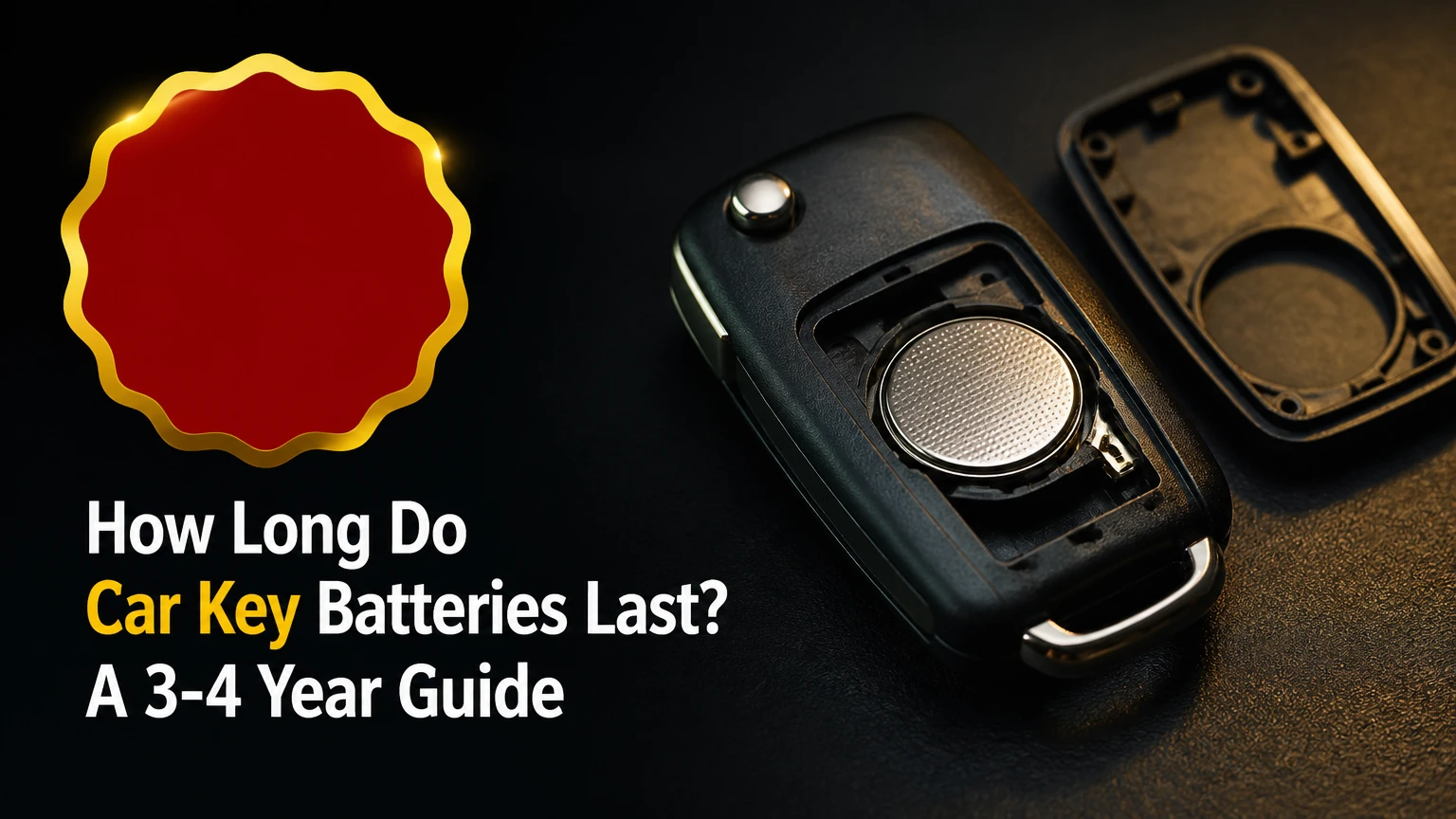
Car key-fob batteries typically last three to four years in ordinary use, although a basic remote may last four to six years and a proximity smart key may need replacement after two to three years. Frequent button presses, short driving distances, heat, cold, moisture, and an imperfect battery contact can shorten that interval.
Key Facts at a Glance
- A typical 3-volt lithium coin-cell battery powers a car key fob’s transmitter and related electronics.
- Most car key batteries last three to four years, but usage and vehicle design can move the range from about two to six years.
- A CR2032 is 3.2 millimeters thick, while a CR2025 is 2.5 millimeters thick; the two cells are not automatically interchangeable.
- Reduced operating range is usually the earliest practical warning that a key-fob battery is weakening.
- Replacing a battery normally does not erase the key’s programming, but some vehicles require a resynchronization procedure after power loss.
- A dead remote battery usually does not disable the vehicle’s immobilizer backup or emergency starting method.
How Long Do Car Key Batteries Last?
A car key-fob battery lasts about three to four years under normal conditions. Basic lock-and-unlock remotes often reach four to six years because they use power only when a button is pressed, while passive-entry smart keys commonly last two to three years because the vehicle and key may exchange low-power proximity signals.
The estimate is a planning range, not a warranty. A key kept beside a vehicle in a garage can drain faster than the same key stored in a drawer, and a fob with a sticking button can consume power continuously. Battery freshness also matters: an old cell may have spent years in storage before installation.
| Key or usage pattern | Typical lifespan | Main reason |
|---|---|---|
| Basic remote with physical key blade | 4-6 years | Transmitter activates mainly after button presses |
| Standard remote used 10-20 times daily | 3-4 years | Moderate button activity and normal standby drain |
| Passive-entry smart key | 2-3 years | Proximity functions can require periodic communication |
| Remote-start key used frequently | 2-3 years | More transmitter activity per day |
| Damaged, wet, or stuck-button fob | Weeks to 18 months | Leakage current or continuous activation |
Vehicle manufacturers do not publish one universal service interval because keyless-entry systems differ. The owner’s manual and the battery number printed on the original cell remain more authoritative than a generic lifespan chart.
What Does a Car Key Battery Power?
A car key battery powers the fob’s circuit board, radio transmitter, indicator LED, and, in some designs, passive-entry electronics. The cell provides low-voltage direct current, usually 3 volts, while the vehicle’s receiver verifies the fob’s encrypted or rolling-code message before accepting a lock, unlock, trunk, or start command.
A normal button-press sequence has four functional stages:
- The button closes an electrical contact.
- The microcontroller creates the vehicle-specific command.
- The radio transmitter sends that command through the fob antenna.
- The vehicle receiver validates the message and operates the requested function.
A passive-entry system adds a proximity step. The vehicle may emit a low-frequency search signal, and the smart key responds when it is close enough. The exact communication pattern varies by manufacturer, so the claim that every smart key “constantly communicates” is too broad. Many systems use intermittent polling, sleep modes, or motion-sensitive activation to limit drain.
The immobilizer is separate from ordinary remote locking in many vehicles. A transponder, backup antenna, or emergency reader may still recognize the key when the coin cell is dead, but the emergency location differs by model.
Which Battery Does a Car Key Use?
The correct battery is the exact size and specification listed in the owner’s manual or printed on the removed cell. Common automotive coin cells include CR2032, CR2025, CR2016, and CR1620, all generally using lithium manganese dioxide chemistry at a nominal 3 volts.
| Battery | Diameter | Thickness | Nominal voltage | Typical capacity |
|---|---|---|---|---|
| CR2032 | 20 mm | 3.2 mm | 3.0 V | 210-240 mAh |
| CR2025 | 20 mm | 2.5 mm | 3.0 V | 150-170 mAh |
| CR2016 | 20 mm | 1.6 mm | 3.0 V | 80-100 mAh |
| CR1620 | 16 mm | 2.0 mm | 3.0 V | 60-80 mAh |
Capacity figures are typical manufacturer ranges rather than guaranteed values. Temperature, discharge rate, storage age, and the device’s cutoff voltage affect real-world results.
Can a CR2025 Replace a CR2032?
A CR2025 can physically fit some CR2032 holders, but it is a poor universal substitute because the CR2025 is 0.7 millimeters thinner and usually has lower capacity. The thinner cell may not maintain reliable pressure against the contacts, causing intermittent operation when the key moves in a pocket or handbag.
A CR2032 should replace a CR2025 only when the fob manufacturer explicitly permits it and the holder has enough clearance. Forcing a thicker cell into a CR2025 compartment can deform the housing or contact spring. Match the original number whenever possible.
Can Two CR2016 Batteries Replace One CR2032?
Two CR2016 batteries must not replace one CR2032 unless the device was specifically designed for two cells. Two cells placed in series can produce approximately 6 volts, double the voltage expected by a typical 3-volt key fob, and that excess voltage can damage the circuit.
A CR2032 is thicker than a CR2016, but thickness is not a reason to stack cells. Some devices intentionally use two CR2016 batteries with a dedicated holder and electrical design. Follow the fob’s manual, not a visual comparison of battery size.
What Makes a Key-Fob Battery Drain Faster?
A car key battery drains faster when the fob transmits frequently, remains near the vehicle, experiences temperature extremes, or has an electrical fault. The strongest practical predictors are passive-entry operation, remote-start use, a stuck button, moisture intrusion, and long periods stored close to the car.
| Drain factor | Effect on battery life | Useful precaution |
|---|---|---|
| Passive entry enabled | Often reduces life to 2-3 years | Replace before the warning interval |
| Remote start used daily | Can reduce life by 6-18 months | Limit repeated start commands |
| Key stored beside the car | May increase background activity | Store it several meters away |
| Stuck or compressed button | Can drain a cell in days or weeks | Inspect button travel and housing |
| Heat above 35°C | Accelerates aging and leakage risk | Avoid dashboards and hot vehicles |
| Cold below 0°C | Temporarily lowers output voltage | Keep a spare and replace before winter |
| Water or condensation | Can create leakage paths | Dry and inspect before fitting a new cell |
Heat and cold have different effects. Heat accelerates chemical aging, while cold increases internal resistance and can make a partly depleted cell appear dead. A battery that recovers after warming is still near the end of its useful life.
An expert rule of thumb is to replace a smart-key battery when the fob reaches two years if the vehicle is used daily, rather than waiting for a complete failure. That is preventive maintenance, not a manufacturer-wide requirement.
How Can You Tell a Key-Fob Battery Is Dying?
The first reliable symptom is usually a shorter remote range, followed by delayed response, repeated button presses, a dashboard warning, or passive-entry failure. A dead battery can also make the LED on the fob appear dim or fail to illuminate, although LED behavior differs by design.
Common symptoms include:
- The remote works only within a few feet of the vehicle.
- Lock or unlock commands require two or more presses.
- The car displays “Key Battery Low” or a similar message.
- Passive unlocking stops while the buttons still work.
- Remote start fails before lock and unlock functions fail.
- The fob works intermittently after being moved or squeezed.
- The vehicle does not detect the key in its normal cabin location.
Range is useful but not conclusive. Radio interference, a weak vehicle receiver, a damaged antenna, or a second nearby transmitter can create the same symptom. Test the spare key at the same location; if both keys behave poorly, investigate the vehicle rather than replacing both batteries immediately.
Should You Test a Car Key Battery?
A battery tester or multimeter can help, but open-circuit voltage alone cannot prove that a coin cell will work under load. A healthy-looking CR2032 may measure close to 3 volts without pressing a button and still collapse when the transmitter draws current.
Use this practical test sequence:
- Compare the suspect fob with the spare key from the same distance.
- Check whether the fob’s indicator LED responds consistently.
- Measure the coin cell without shorting its terminals.
- Replace the cell if it is several years old or reads substantially below its nominal voltage.
- Test the remote beside the vehicle after fitting the new battery.
A nominal 3-volt lithium coin cell can become unreliable before a simple meter shows zero. The cutoff threshold depends on the fob circuit, current demand, and contact resistance, so a battery that reads approximately 2.7-2.9 volts may still fail during transmission.
Do not test a coin cell by touching its terminals with a metal object. Shorting the cell can heat it, reduce its charge, and damage the contacts.
How Do You Replace a Car Key-Fob Battery?
Most car key-fob batteries can be replaced in 5-15 minutes with the correct coin cell and a small plastic pry tool. The factor that determines success is not speed; it is matching the battery number and polarity without damaging the housing or circuit board.
Before You Start
| Requirement | Typical specification |
|---|---|
| Replacement cell | Exact number from old battery or owner’s manual |
| Tools | Plastic pry tool, small flat screwdriver, or coin |
| Time | 5-15 minutes |
| DIY battery cost | $2-$8 for a reputable cell |
| Helpful precaution | Photograph the old battery orientation |
Step 1: Find the Housing Seam
Inspect the key fob for a notch, slot, screw, or sliding release. Remove the mechanical key blade if the design uses the blade to expose the opening point.
Step 2: Open the Fob Carefully
Insert a plastic pry tool or coin into the designated notch and twist gently. Work around the seam rather than forcing one corner, because a deep metal tool can damage the circuit board or scratch the housing.
Step 3: Confirm Polarity and Battery Number
Read the old cell before removing it. Photograph the orientation, then identify the positive side, usually marked with a plus sign and facing upward in many, but not all, fobs.
Step 4: Remove the Old Cell
Release the retaining clip with a plastic tool or fingernail. Avoid bending the contact spring, and do not pry against delicate components on the circuit board.
Step 5: Install the New Cell
Slide the replacement under the retaining edge and press it into place with the marked polarity matching the original. Use a fresh battery from a sealed package with a clear expiry date.
Step 6: Close and Test the Housing
Snap the case together evenly until the clips engage. Test lock, unlock, trunk, panic, remote start, and passive entry functions where equipped.
You will know the replacement worked when the buttons respond immediately at the normal range and the dashboard no longer displays a low-battery warning. If the remote works but passive entry does not, the vehicle may require a resynchronization procedure or the passive-entry system may have a separate fault.
Does Changing the Battery Erase Key Programming?
Changing the battery normally does not erase immobilizer or remote-control programming because the stored vehicle identity is retained in nonvolatile memory. Some fobs can lose synchronization if the battery remains disconnected too long, or if the replacement process interrupts a model-specific pairing sequence.
Check the owner’s manual before assuming programming is required. Common symptoms of lost synchronization include a working indicator light but no vehicle response, while incorrect polarity usually produces no response at all. Dealerships and automotive locksmiths can reprogram many keys, but the procedure and equipment vary by vehicle.
Keep the mechanical key blade available during the replacement. It can unlock the driver’s door if the remote stops working, although the alarm may sound until the vehicle recognizes the key.
How Much Does Key-Fob Battery Replacement Cost?
DIY replacement usually costs $2-$8 for one reputable lithium coin cell and takes 5-15 minutes. A hardware store or automotive parts counter may charge about $5-$20 for installation, while a dealership or locksmith may charge $10-$40 when the service is limited to a battery.
| Replacement route | Typical battery or service cost | Typical time | Best use |
|---|---|---|---|
| DIY with CR2032 or CR2025 | $2-$8 | 5-15 minutes | Correct battery and accessible housing |
| Parts store installation | $5-$20 | 10-20 minutes | Help opening an unfamiliar fob |
| Automotive locksmith | $10-$40 | 10-30 minutes | Battery plus inspection or synchronization |
| Dealership service | $15-$50 | 15-45 minutes | Model-specific procedure or sealed housing |
| New programmed key | $100-$500+ | 30-120 minutes | Damaged, lost, or nonfunctional fob |
Prices vary by region and vehicle. A battery replacement should not be quoted as a new-key service unless the fob has a separate electronic or mechanical fault.
What Happens When the Key-Fob Battery Dies?
When a key-fob battery dies, remote locking and passive entry stop responding, but many vehicles still provide an emergency way to unlock and start the car. The mechanical key blade often opens the driver’s door, and the dead fob can usually be held against a marked backup reader or placed in a designated console pocket.
Consult the vehicle manual for the exact location. Examples include:
- Holding the fob against the start button.
- Placing it in a cupholder, center console, or marked slot.
- Touching it to a backup antenna near the steering column.
- Pressing the start button with the fob itself.
The procedure is manufacturer-specific. A dead coin cell is not the same as a failed immobilizer transponder, a discharged vehicle battery, or a lost key. If the emergency method fails with a fresh battery, the problem may be the vehicle receiver, antenna, key programming, or fob circuit.
Does Cold Weather Reduce Key-Battery Life?
Cold weather can reduce the available output of a lithium coin cell and shorten the practical range of a marginal battery, but freezing temperatures do not instantly destroy a healthy CR2032 or CR2025. A key used outdoors in winter may work again after warming, yet that recovery does not restore lost capacity.
Drivers in regions with repeated temperatures below 0°C should replace an aging key battery before winter rather than waiting for a warning. Keep the spare key accessible and avoid storing the fob overnight in an unheated vehicle. Do not heat a frozen coin cell with a flame, hair dryer on high heat, or another direct heat source.
Battery manufacturers such as Energizer specify storage and operating limits for individual cell designs, so the package datasheet remains the authority. A common safety instruction from Energizer for lithium coin cells is: “Keep out of reach of children.” That warning matters because swallowed coin cells can cause severe internal injury and require immediate medical attention.
Why Does a New Key-Fob Battery Not Work?
A new battery that does not work usually indicates incorrect polarity, poor contact, the wrong cell thickness, a damaged fob, or a vehicle-side fault. A replacement battery cannot repair a broken button membrane, corroded circuit board, failed antenna, or receiver problem.
Check these failure modes in order:
- Wrong orientation: Remove and reinstall the cell according to the original plus and minus markings.
- Protective film left on: Remove any shipping sticker covering a terminal.
- Poor contact: Inspect the spring clips and gently restore contact pressure without bending them sharply.
- Wrong thickness: A CR2025 may sit loosely where a CR2032 is required.
- Stuck button: A compressed button can drain the new cell quickly.
- Moisture damage: White residue, green corrosion, or fogging indicates liquid exposure.
- Vehicle fault: Test the spare key and check whether the car responds to other functions.
Clean lightly soiled rubber button contacts with a small amount of isopropyl alcohol on a lint-free swab, then allow the parts to dry completely. Do not flood the circuit board, scrape plated contacts aggressively, or use household lubricants inside the fob.
A practitioner’s diagnostic rule is simple: if a fresh, correctly installed battery produces no LED response and no button response, suspect the fob; if the LED works but the vehicle ignores every command, suspect synchronization, the receiver, or the antenna.
How Should You Store a Spare Key Battery and Fob?
Store an unused lithium coin cell in its original packaging, in a dry location near room temperature, and away from loose metal objects. Typical unopened shelf life is about five to ten years, but the expiry date and manufacturer storage instructions take precedence.
Store a spare key fob several meters away from the vehicle when possible. Keeping a passive-entry key directly beside the car can increase wake-ups or communication attempts on some systems. Do not place coin cells in a pocket with coins, keys, or tools that can bridge the terminals.
Do not carry an unprotected loose coin cell around children. Tape over a discarded cell’s terminals before recycling or disposal according to local battery rules, and seek urgent medical help if a child may have swallowed one.
FAQ
How often should I replace a smart-key battery?
Replace a smart-key battery about every two to three years if the vehicle uses passive entry daily, especially before a long trip or winter season. A dashboard warning or reduced range should trigger immediate replacement. The exact interval varies because different manufacturers use different sleep modes, antennas, and proximity protocols.
Does a key fob drain when the car is off?
A key fob can still consume a small amount of energy while the car is off, particularly when it supports passive entry, motion detection, or periodic communication. A basic button-only remote generally has much lower standby demand. Storing a smart key away from the vehicle may reduce unnecessary activity.
Can I use a rechargeable battery in a car key?
Do not use a rechargeable substitute unless the vehicle manufacturer specifically approves it. Common CR2032-style rechargeable cells may use different chemistry, voltage, charging behavior, and capacity, while typical key fobs are designed for a non-rechargeable 3-volt lithium coin cell.
Will a weak key battery prevent the engine from starting?
A weak key battery may prevent remote unlocking or passive entry, but many vehicles can still start through an emergency backup reader. The method differs by model and may require placing the fob in a marked console slot or touching it to the start button. A vehicle battery or immobilizer fault is a separate issue.
Should I replace both key batteries at the same time?
Replace both key-fob batteries together only if both fobs are the same age and have similar usage. If the spare has remained unused, its battery may still be serviceable, although an old spare should not be trusted for an emergency without testing its range and starting procedure.
The Bottom Line
How long do car key batteries last? Plan on three to four years for a typical car key fob, two to three years for many daily-use passive-entry keys, and four to six years for lightly used basic remotes. Use the exact battery number printed on the old cell, replace it when range declines or a warning appears, and learn the vehicle’s emergency starting method before the remote battery fails.


